


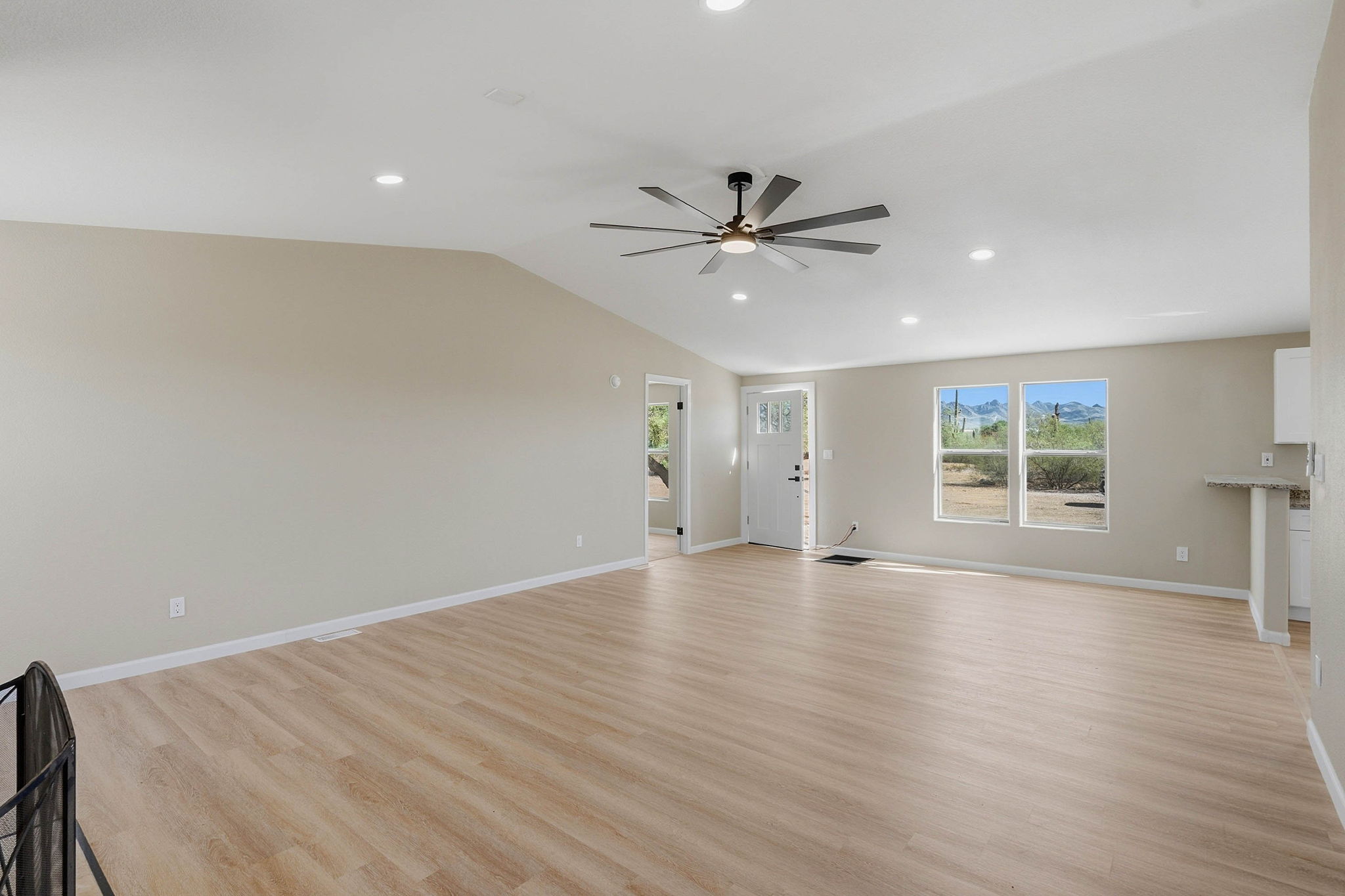
A 3D tour records a connected view of the property, so preparation needs to extend beyond the corners visible in a few listing photos. Finish cleaning, arrange the rooms and plan access before the appointment. Keeping the home consistent throughout the scan helps viewers understand how the spaces connect.
This checklist works as a starting point for Tucson homeowners and agents preparing for Matterport or Zillow 3D Home capture. If you are still choosing a service, read our comparison of the two tour options first.
Confirm what will be included
Tell the photography team about the main house, casita, garage, detached office and any outdoor areas you want covered. Identify rooms that should stay private. Confirm how separate buildings will be presented and whether a floor plan is part of the order.
Arrange entry instructions, gate access and a contact who can resolve questions. If the home is occupied, choose a time when everyone can stay clear of the capture area.
Clean and declutter every visible direction
Clear countertops, nightstands and bathroom surfaces. Make beds, straighten furniture and remove laundry baskets, bins, pet bowls and loose cables. Check the areas behind doors and beside furniture: a panoramic view can reveal things a carefully framed still photo leaves out.
Remove personal documents, visible passwords, family photographs and other items you do not want displayed publicly. Check mirrors and reflective surfaces as well as the obvious camera-facing view.
Prepare lighting and room connections
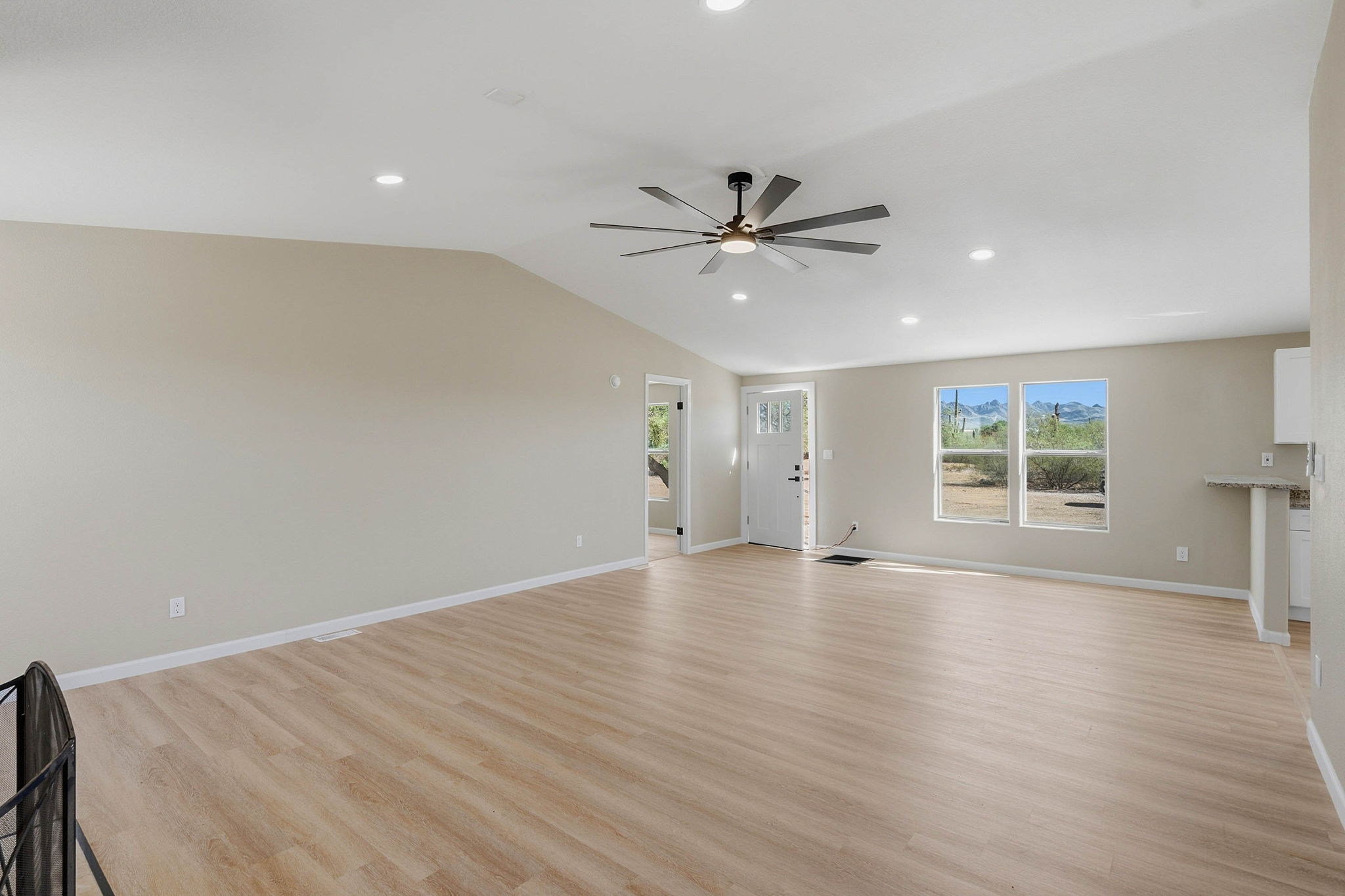
Replace burned-out bulbs and test the fixtures you want used. Have blinds and curtains ready for the photographer to adjust based on the light. Strong Tucson sunlight can create bright windows and deep interior shadows, so allow the team to choose the most consistent setup.
Open doors between included rooms and move anything blocking the route. Leave furniture and doors in place once capture begins unless the photographer asks you to move them. Avoid people walking through successive scan positions.
Check the outdoor spaces
Sweep the entry and patios, put away hoses and maintenance equipment, and arrange outdoor furniture as it will normally be used. If a pool or courtyard is included, ensure access is available and the area is ready. Discuss weather and light-sensitive areas in advance rather than assuming every outdoor space can be captured at any time.
On the day of the appointment
Do a final walkthrough before the team arrives. Keep pets secure and plan a place for occupants to wait outside the current capture area. Point out unusual room connections and any spaces that must be excluded. Do not rely on later editing to remove belongings or change the physical layout.
Review the tour before sharing it
Open the delivered link on a phone and a computer. Check room names, navigation, the intended included spaces and any visible private items. Confirm the hosting period, sharing permissions and compatibility with your listing destinations. Report corrections before launching the listing.
Schedule your Tucson 3D tour with Better Faster Photo. For preparation, delivery and usage questions across services, see our real estate photography FAQ.

